

Search

Connect Smartblinds with Samsung SmartThings

Smartblinds connect you quickly and easily to the major smart home platforms. Here you quickly think of Apple HomeKit, Amazon Alexa or the smart home platform Google Home. But Smartblinds also allows you to connect directly to Samsung SmartThings. All you need is the Eve Motionblinds Matter motor and the right smart hub!

Smartblinds and Samsung SmartThings

Smartblinds' smart window coverings are 'smart' to operate. Via your smartphone, you control your Smartblinds with a finger swipe. You can expand the capabilities of your Smartblinds by connecting your Smartblinds to a smart home platform, such as Samsung SmartThings. Linking Smartblinds and Samsung is instant, as Smartblinds' Eve Motionblinds Matter motors are equipped with the new Matter protocol. This protocol is the connecting factor between smart home devices, regardless of manufacturer or brand! But how do you transform Smartblinds into Samsung blinds?
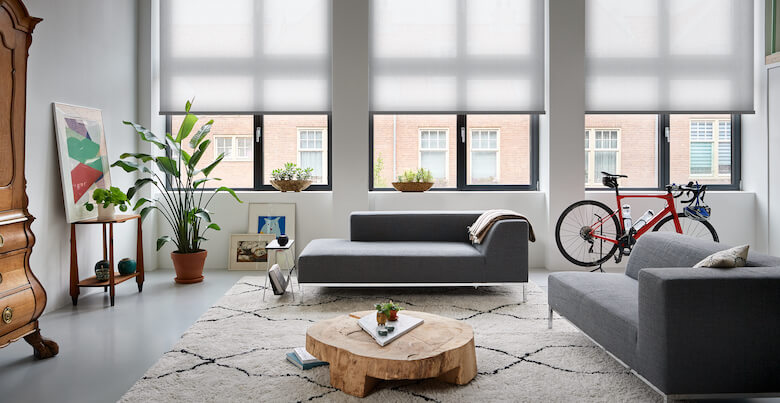
Samsung smartblinds Samsung smartblinds

Samsung Smart hubs

Like many other smart home platforms, Samsung has its own smart home devices. In the SmartThings app, you have an overview of all these devices like your washing machine, fridge, robot hoover and much more. To control your Smartblinds, you need a smart hub that can function as a Thread border router. This smart hub creates a Thread network, on which your Smartblinds can function without connection to Wi-Fi. SmartThings has 2 smart hubs that can function as Thread border routers:

  • The SmartThings Hub v3

  • The Smartthings Station

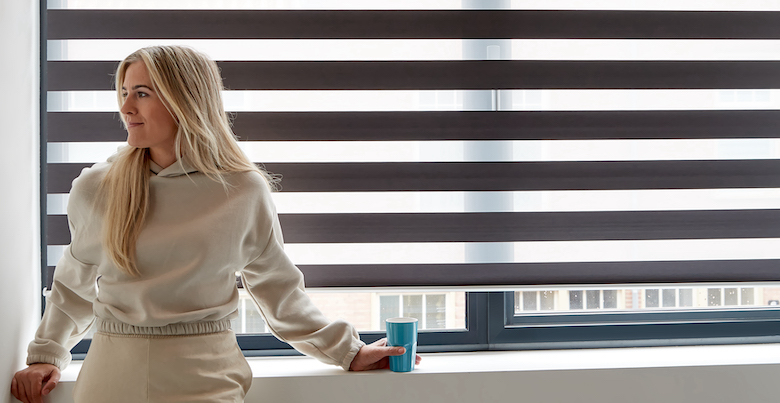
Samsung blinds Samsung blinds

Connect your Smartblinds directly to Samsung SmartThings

So to connect your Smartblinds directly to SmartThings and turn them into Samsung blinds, you need one of the above smart hubs. If you have this, you can connect your Smartblinds to the SmartThings app by adding a device in the SmartThings app. Then scan the QR code attached to your Smartblinds at the end of the cord. Then follow the steps in the SmartThings app and your Samsung blind's connection is established!
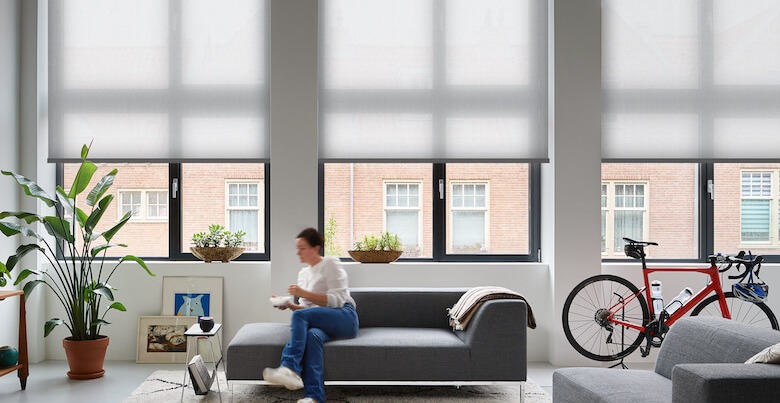
Samsung roller blind Samsung roller blind

These categories connect you directly to Samsung SmartThings

Unfortunately, the Eve Motionblinds Matter motor is not yet available in all categories. You can connect the following products directly to Samsung SmartThings:
The possibilities of Smartblinds and SmartThings

After connecting your Smartblinds to SmartThings, you can add your Samsung blinds to your smart home scenes. This makes your smart blinds work together with other smart devices in your home. For example, set your Smartblinds to close automatically at sunset, and dim your lights! This way you can enjoy an evening of privacy and your eyes already get used to the dark! Are you already more advanced in your smart home? Then you can, for example, add Google's voice assistant or Amazon Alexa to your SmartThings, making voice commands possible too!
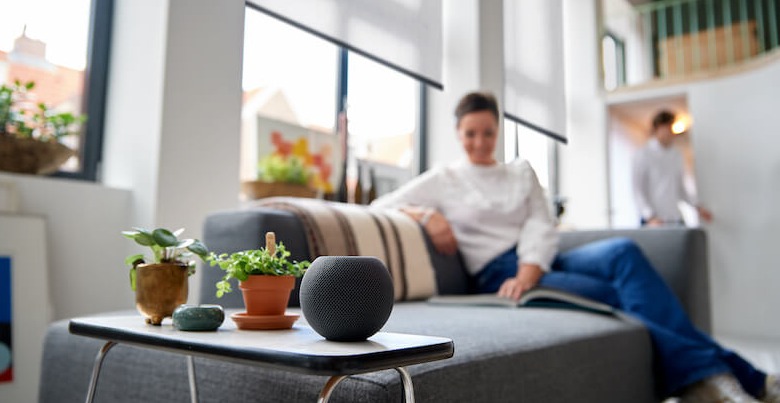
Samsung smart home Samsung smart home

FREQUENTLY ASKED QUESTIONS ABOUT SMARTBLINDS & SAMSUNG SMARTTHINGS

Do I need a Smart Hub to connect Smartblinds to Samsung SmartThings?

Yes, a compatible Smart Hub with Thread border router functionality is required for a direct Smartblinds Samsung SmartThings integration. This ensures a stable Matter connection and reliable smart blinds control without depending on Wi-Fi.

Which Samsung SmartThings hubs support Matter-enabled Smartblinds?

Samsung SmartThings hubs that support Thread can connect directly with Matter-enabled Smartblinds. These hubs create a secure smart home network that allows seamless integration of your smart window coverings.

How do I add Smartblinds to the SmartThings app?

In the SmartThings app, add a new device and scan the Matter QR code attached to your Smartblinds. Follow the in-app setup steps to complete the connection and enable full smart home control of your blinds.

Are all Smartblinds compatible with Samsung SmartThings?

Only Smartblinds equipped with a Matter-enabled motor support direct Samsung SmartThings compatibility. Always check product specifications to confirm Matter and Thread support before purchasing smart roller blinds, day and night blinds, or honeycomb blinds.

What are the benefits of connecting Smartblinds to SmartThings?

Connecting Smartblinds to Samsung SmartThings allows you to create smart home automations, schedules, and scenes. You can automate your smart blinds to close at sunset, integrate them with smart lighting, and control multiple connected devices within one smart home ecosystem.

Request free samples Free sample